
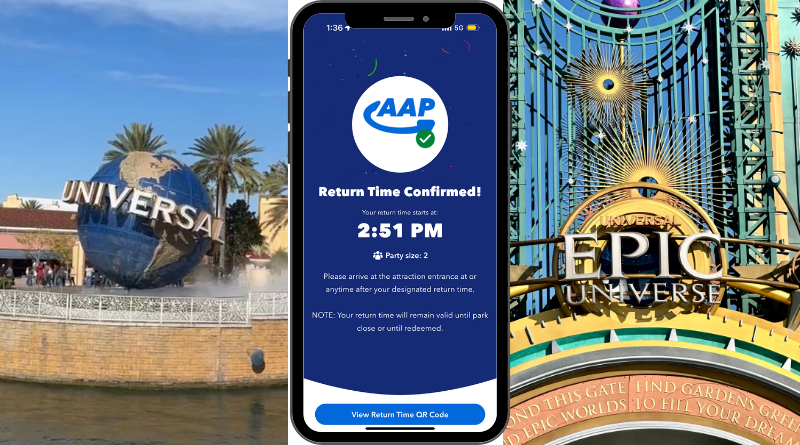
We Tested the New Digital AAP at Universal Orlando
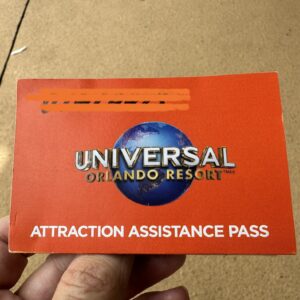
Since we started visiting Universal, I’ve wished we could access return times digitally. That day has finally arrived. No more running to the ride you need a return time for. Universal Orlando Resort is testing a digital system for making your return times. If you have an IAC (IBCCES Accessibility Card) and use the IAC exclusive line at Guest Services, you can choose to participate in the digital test. If you don’t want another app on your phone, no worries, you may keep the paper.
Here’s How the System Works
With the caveat that this is a test, and some things may change, here’s how it works
Before you visit Universal Orlando Resort
- If you haven’t already, apply for an IBCCES card (IAC). Learn how here.
- Download the Universal App and link your tickets or passes.
Visit Guest Services-
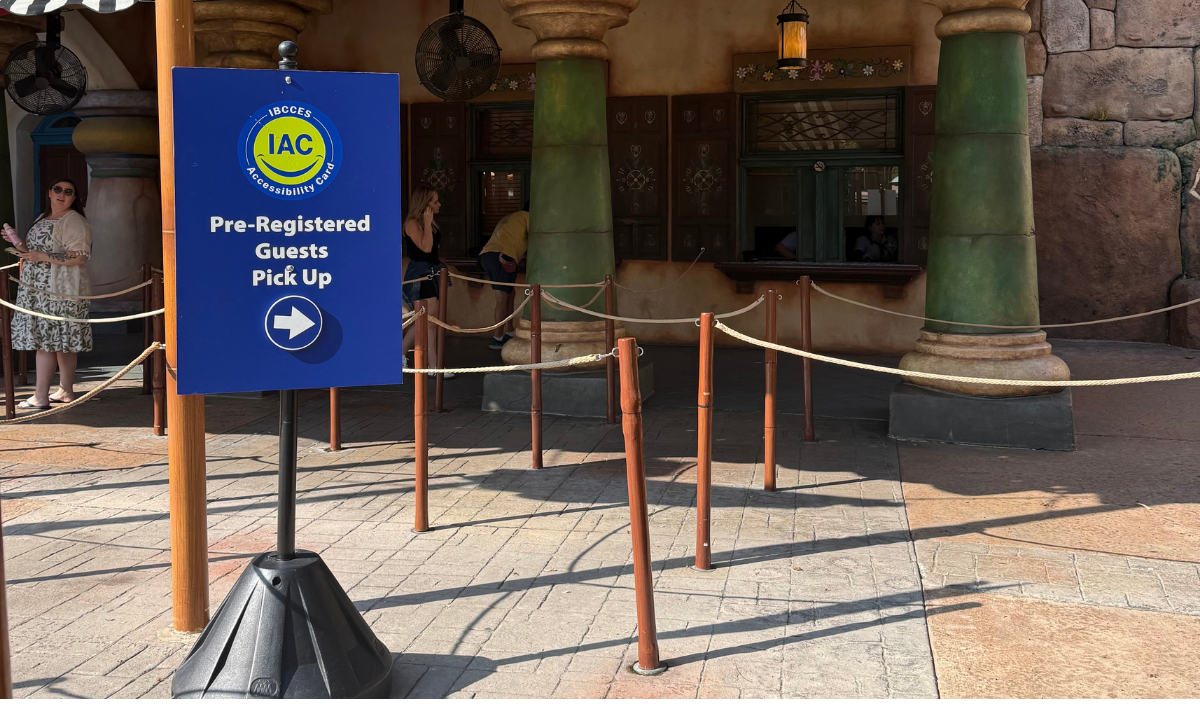
- Use the IAC queue. At Epic Universe, only the Guest Services outside of the park entrance has a dedicated IAC line.
- They will ask to see your IAC card on your phone.
- They’ll add everyone with you that day and scan their tickets or annual passes.
- They’ll walk you through the process and answer any questions.
How to navigate the new system
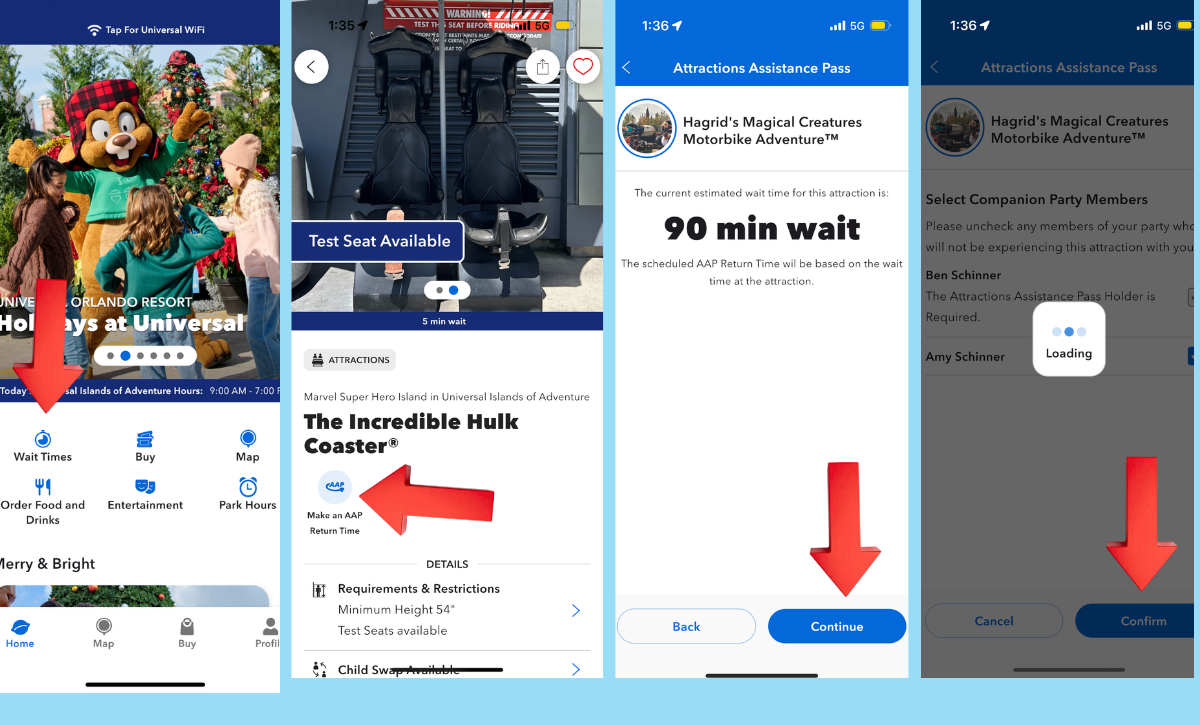
- Open the Universal app
- Wait a few minutes (maybe up to 5) after you enter the park for it
- Tap on wait times
- Scroll to the attraction you want a return time for.
- Tap that attraction
- Tap the AAP symbol
- The app will show you the wait time
- Then you select party members
- Then you will immediately see a confirmation
Then you can hang out, get a snack, or ride rides with low wait times. Amazing Spiderman and Flight of the Hippogriff were both 10-minute waits, so we rode those, grabbed a pretzel, and hung out a bit while we waited.
What Do We Do When It’s Our Turn to Ride?
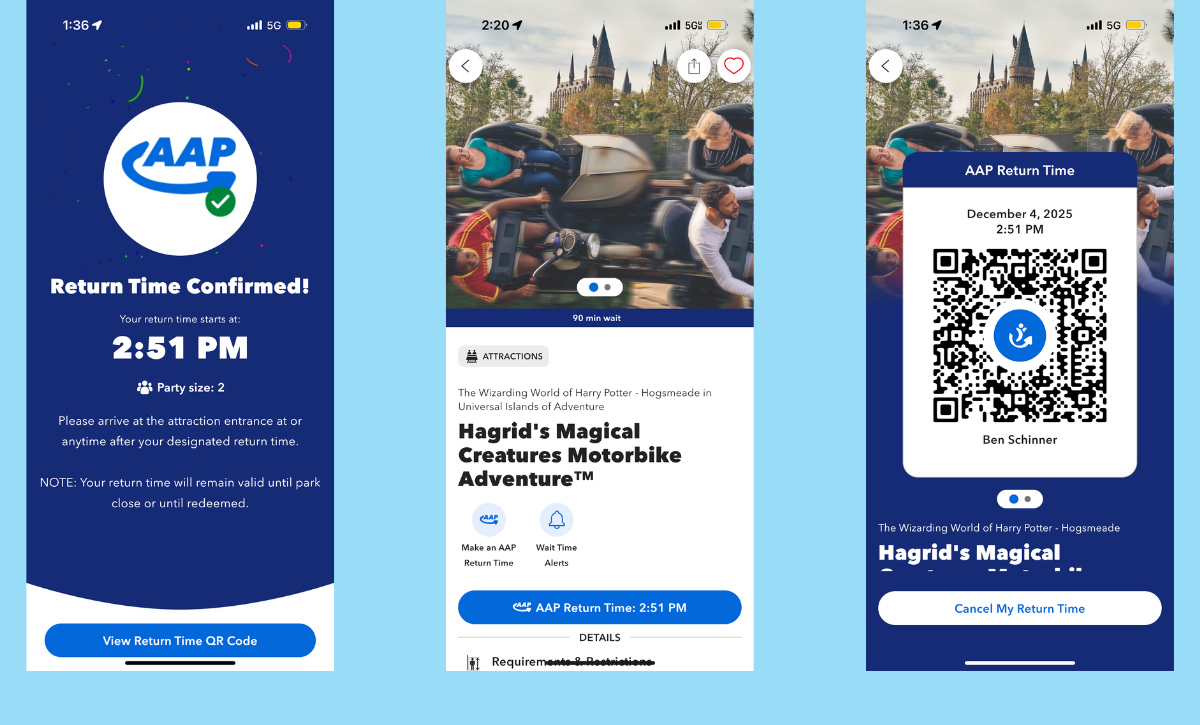
- Pull up the app
- Scroll to the attraction
- Tap the attraction
- Tap the blue bar with the return time
- The Team Members’ scanned QR codes will appear. They are in a scrolling deck, so everyone should be there.
- At the checkpoint, the Team Member will scan everyone in.
- 5-10 minutes later, you can create a new return time, even if you are still in line for the current attraction. (Some Team members said 5, we had to wait 10)
Pro tip- The current return time didn’t register and hadn’t been deleted. When the 10 minutes are up, it will erase.
Frequently Asked Questions
How close to closing can you make a digital return time? We weren’t there late enough to test this- but we did ask. They said as long as the attraction and the park are not closed, you can make a return time. They will not time out based on (often inflated) posted standby times.
How long will the AAP last? We bring great news! The AAP lasts for the duration of the ticket. If you have an annual pass, it is valid until the pass expires.
How many guests can you add to the AAP? You may add as many guests as you need to, but only the guest + 5 can ride.
Do I still need my lanyard? Not for the AAP, everything is handled with the phone. So don’t stash it in the locker.
What if the wait time is less than 30 minutes? You still need to make a return time, but you will be welcomed right into the Express Lane.
Based on the Team Members’ reactions, they were so excited, and how smoothly our test went, I anticipate this new system becoming permanent.
Are you ready to go digital? Or do you still love the lanyard?
You May Also Like...
-
Exciting news in my house this afternoon. Universal Orlando will be offering digital return times for the Attractions Assistance Pass. No…
-

With attractions located in multiple parks and featured in the seasonal Halloween Horror Nights event, the Universal Monsters are making a…

Not being able to flash your paper card to enter a 30 minute express line while holding a 100 minute wait for Hagrids is a Huge disadvantage to this system.